SMS Consent
How Compass Place Uses SMS for Account Verification (Required) and Optional Tour Messaging
Compass Place is a product of Fletcher Street Corporation.
Consent Collection Process
Users create an account by entering a mobile phone number and receiving a one-time verification code by SMS. This account verification SMS is required for authentication. Separately, users may optionally enable SMS for tour scheduling and facility updates via an unchecked-by-default consent checkbox during registration (or later in App Settings).
This consent checkbox is optional — users can complete registration and use the App without enabling SMS tour/update messages. Opt-in for tour/update SMS is collected exclusively through the mobile app registration flow.
What Messages Are Sent
After consenting, users may receive SMS messages from Compass Place including:
- Tour scheduling requests and confirmations
- Facility responses to tour inquiries
- Tour reminders
- Post-tour feedback requests
- Check-ins after a parent moves into a facility
- Important updates about saved facilities
Account Verification Messages (Required)
Compass Place sends one-time verification codes by SMS to authenticate user accounts. These messages are sent only when a user initiates verification or account access in the App. If a user replies STOP, we will stop sending SMS from that number (including verification codes), which may prevent account access until the user opts back in by replying START.
Message Frequency
Message frequency varies based on user activity. During active tour scheduling, users may receive multiple messages per day. Otherwise, messages are periodic and activity-based.
Opting Out
Users can opt out of SMS communications at any time by:
Important: Because SMS is required for account verification, replying STOP will also stop verification codes and may prevent account access until a user opts back in (for example, by replying START).
- Replying STOP to any message from Compass Place
- Updating notification preferences in the App
- Contacting connect@compassplace.com
After opting out, users receive a confirmation message. Users may opt back in at any time through the App settings.
Help
Reply HELP to any message for assistance, or contact connect@compassplace.com.
Message and data rates may apply.
App Registration Screenshots
The following screenshots show the Compass Place registration flow where SMS consent is collected:
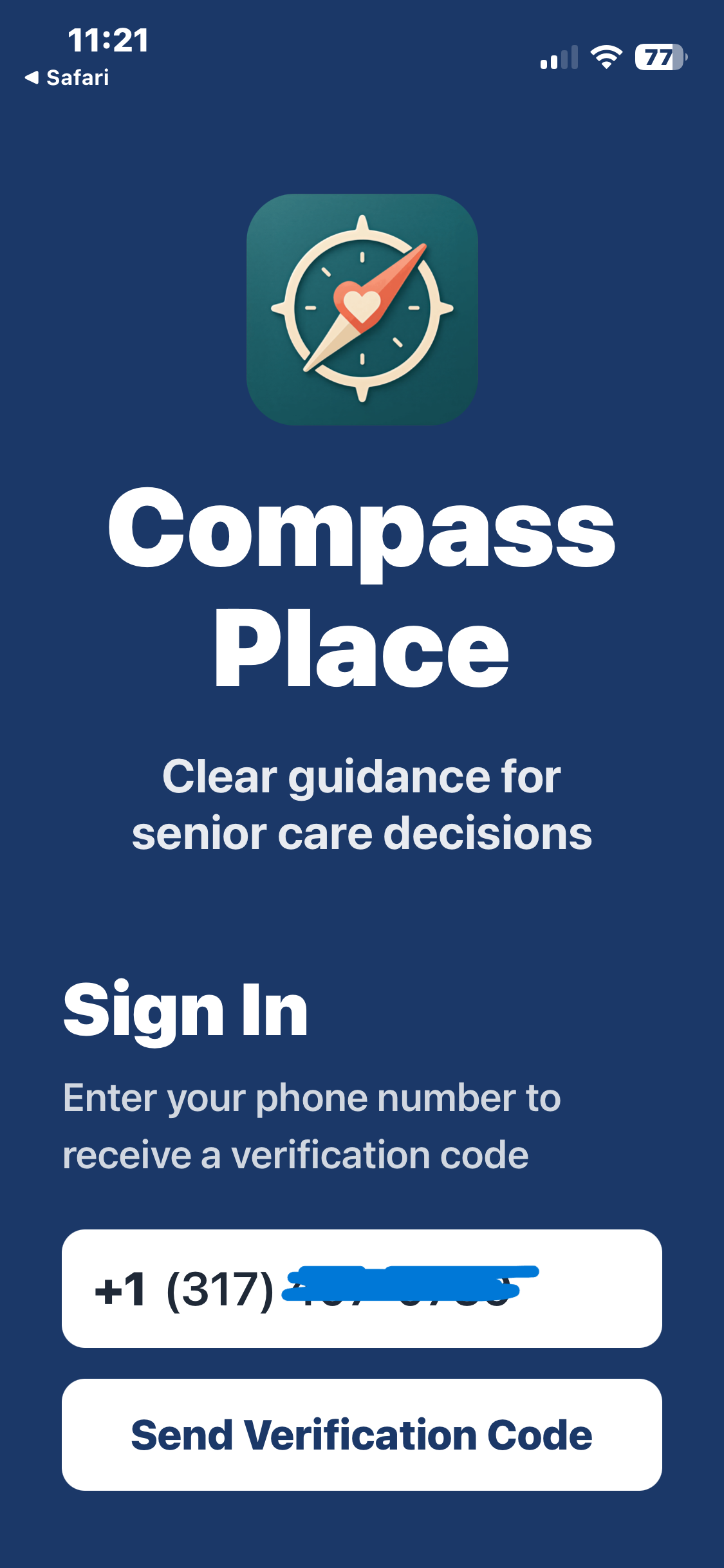
User enters mobile phone number
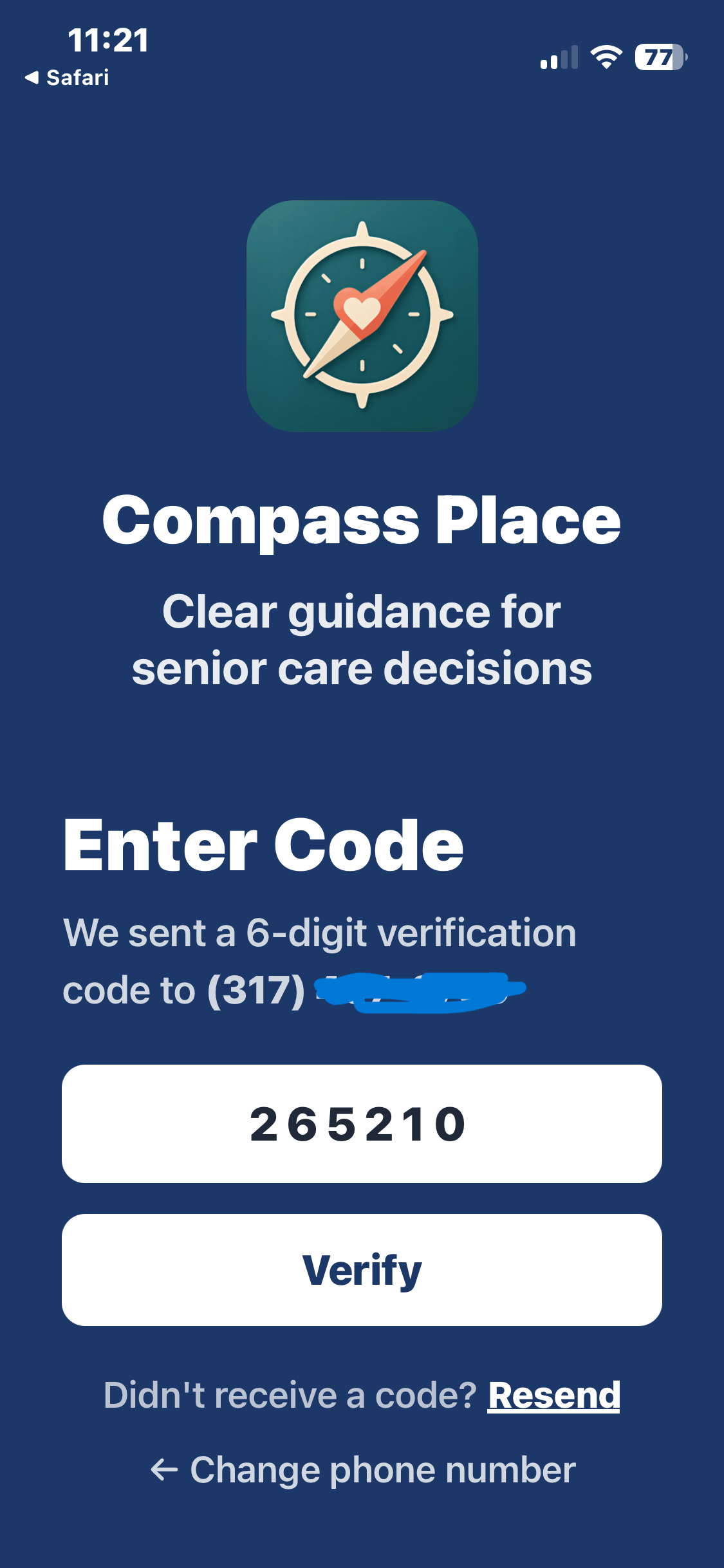
User verifies phone via SMS code

User enters first and last name

User checks optional SMS consent checkbox
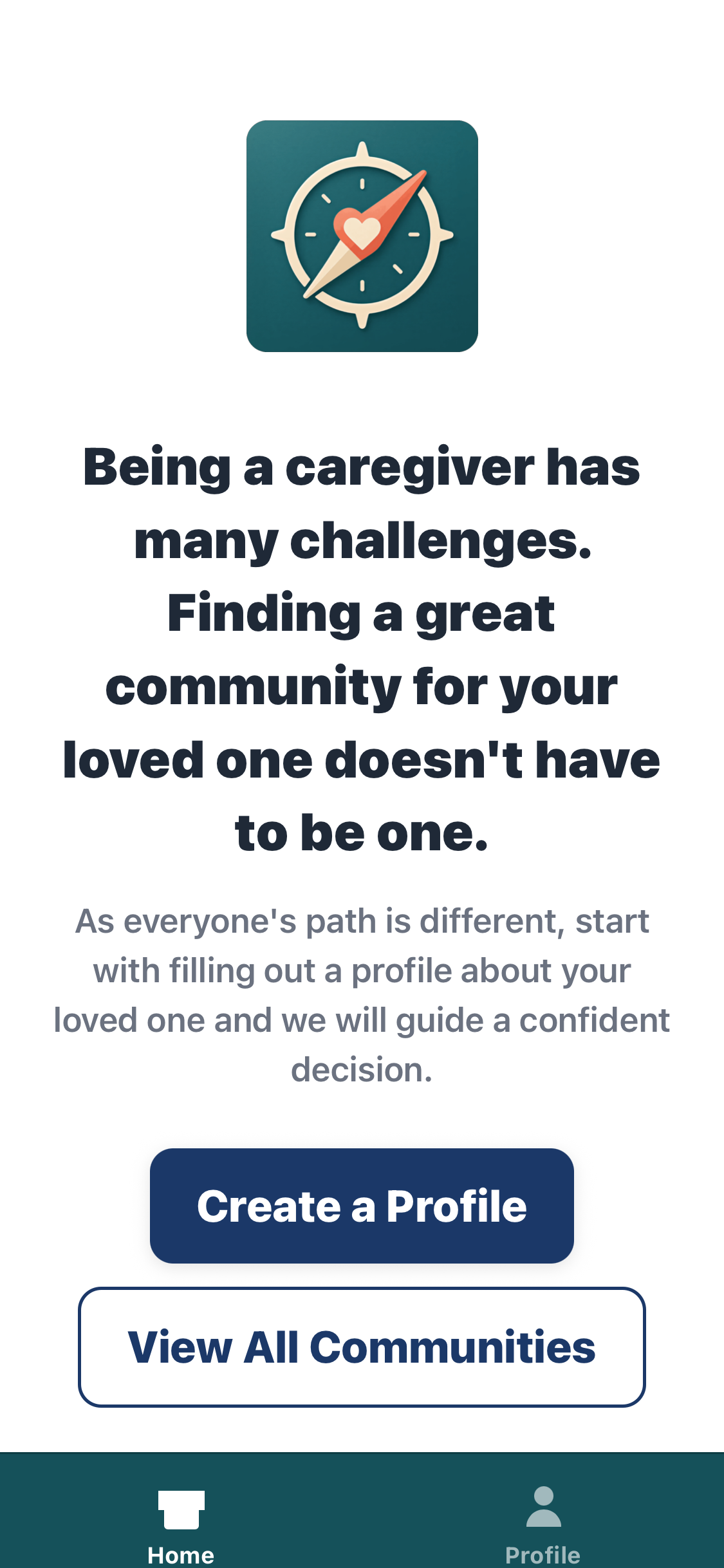
Registration complete